 Ultra Cat
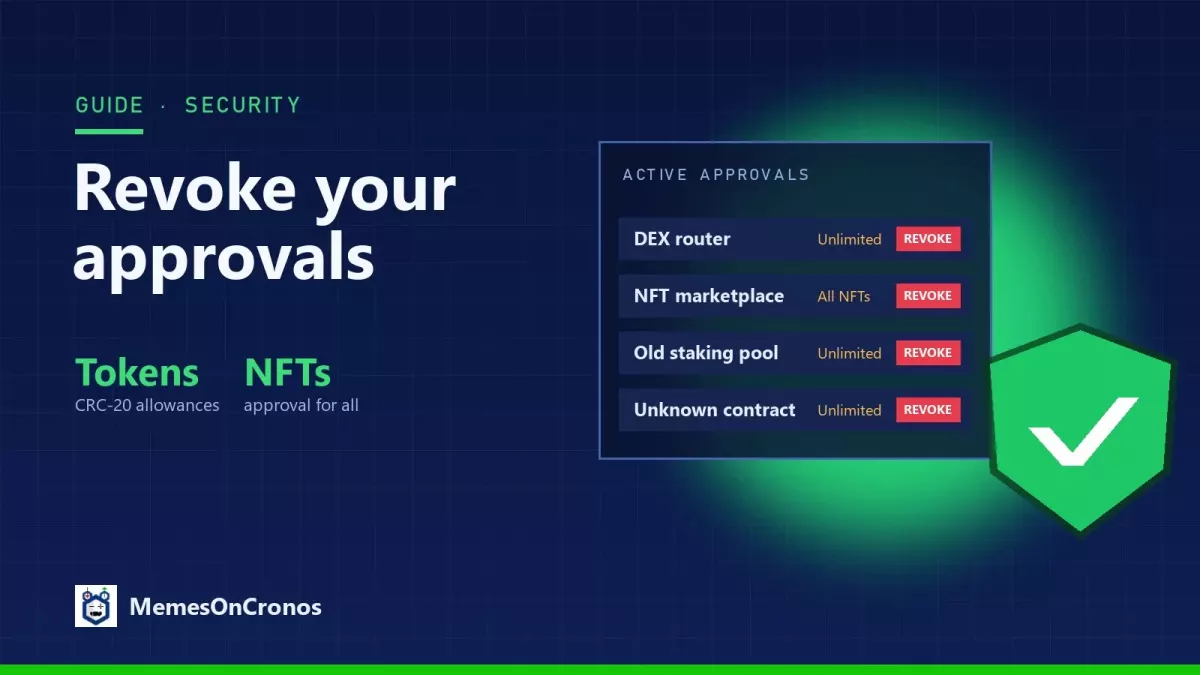
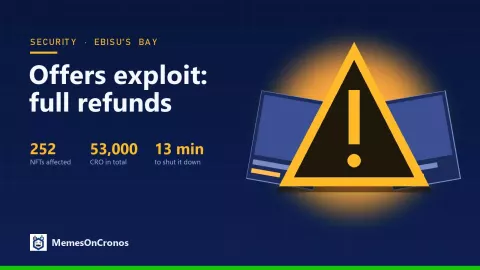
Each time you swap a meme token, list an NFT or join a staking pool, your wallet asks you to approve a smart contract. These approvals stay active until you remove them. After a few months on Cronos, most wallets carry dozens of them, and recent incidents, like the offers exploit on Ebisu's Bay in November 2026, are a good reminder to clean them up.
What is an approval?
- Token approval (CRC-20): you allow a contract, such as a DEX router, to move up to a certain amount of a token from your wallet. Many apps ask for an "unlimited" amount.
- NFT approval ("approval for all"): you allow a contract, such as a marketplace, to move every NFT of a collection you own.
An approval is not a transfer: nothing moves until the contract uses it. But if that contract is exploited, or if you approved a malicious one, your tokens or NFTs can be taken without any new signature from you.
How to revoke them
- Open an approval checker that supports Cronos, such as revoke.cash, and make sure the Cronos network is selected. Some wallets also list approvals in their settings.
- Connect your wallet or paste your address to see every active approval: the token or collection, the contract (spender) and the allowed amount.
- Revoke what you don't use anymore: old DEXs, finished staking pools, marketplaces you left, and anything you don't recognise.
- Confirm each revocation in your wallet. Revoking is an on-chain transaction, so it costs a little CRO in gas.
Good habits
- Prefer approving the exact amount you need rather than an unlimited amount when the app allows it.
- Keep a separate "hot" wallet for daily trading and a "cold" wallet for long-term holdings and valuable NFTs.
- Check your approvals every few months, and right away after you hear about an exploit.
- Never sign a message or transaction you don't understand, especially from a link received in a DM.
Want more tips? Read How to Avoid Scams and Understanding the Risks Associated with Meme Tokens.